ShareMouse
Share one mouse & keyboard across multiple computers
About ShareMouse
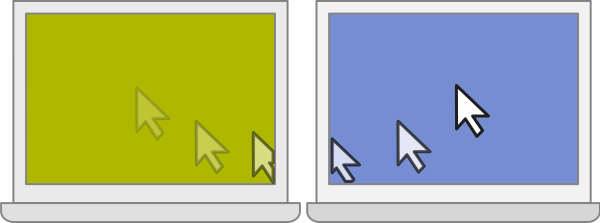
ShareMouse lets you control multiple computers with a single mouse and keyboard. Just move your mouse to the edge of one screen and it jumps seamlessly to the next computer — whether it's a Mac or a PC. Drag and drop files between machines, share a clipboard for copy-paste across devices, and switch between computers as naturally as using multiple monitors. Perfect for developers, designers, and anyone working with more than one machine at their desk.
Key Features
- Control multiple computers with one mouse and keyboard
- Cross-platform — works between Mac and Windows machines
- Drag and drop files between computers over the network
- Shared clipboard for seamless copy-paste across devices
- Automatic monitor switching based on mouse position
- Encrypted connections for secure inter-computer communication
How to Buy & Activate
- 1
Purchase
Click "Buy Now" and complete checkout with your email. Payments are processed securely by Stripe.
- 2
Receive your key
Your ShareMouse license key is delivered to your email within 15 minutes of payment.
- 3
Activate
Open ShareMouse, paste the key into the activation dialog, and you're done. No account needed — works offline forever.